

Instructor portal
Dedicated portals for schedule and payout visibility
Give instructors personalized logins to track their upcoming classes and earnings. Automated weekly schedule summaries keep your team aligned while keeping the rest of the studio private.


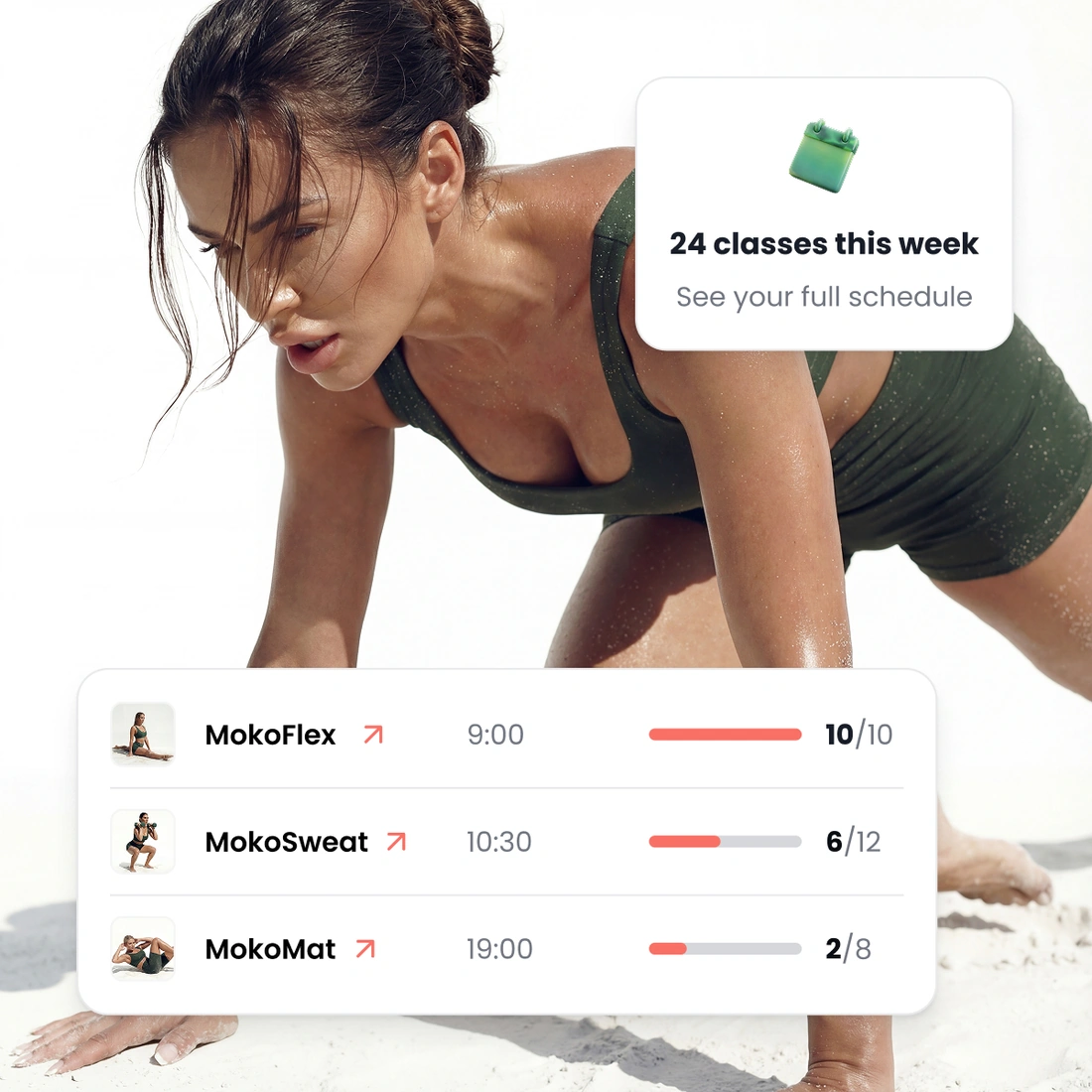
Weekly schedules sent automatically
Instructors see their class times and attendance numbers at a glance. Their schedule is emailed to them before the week starts, so they do not even need to log in to check it.
Their own schedule. Instructors only see the classes they teach, keeping things simple and private.
Weekly email updates. Schedules arrive in their inbox every week before classes begin.
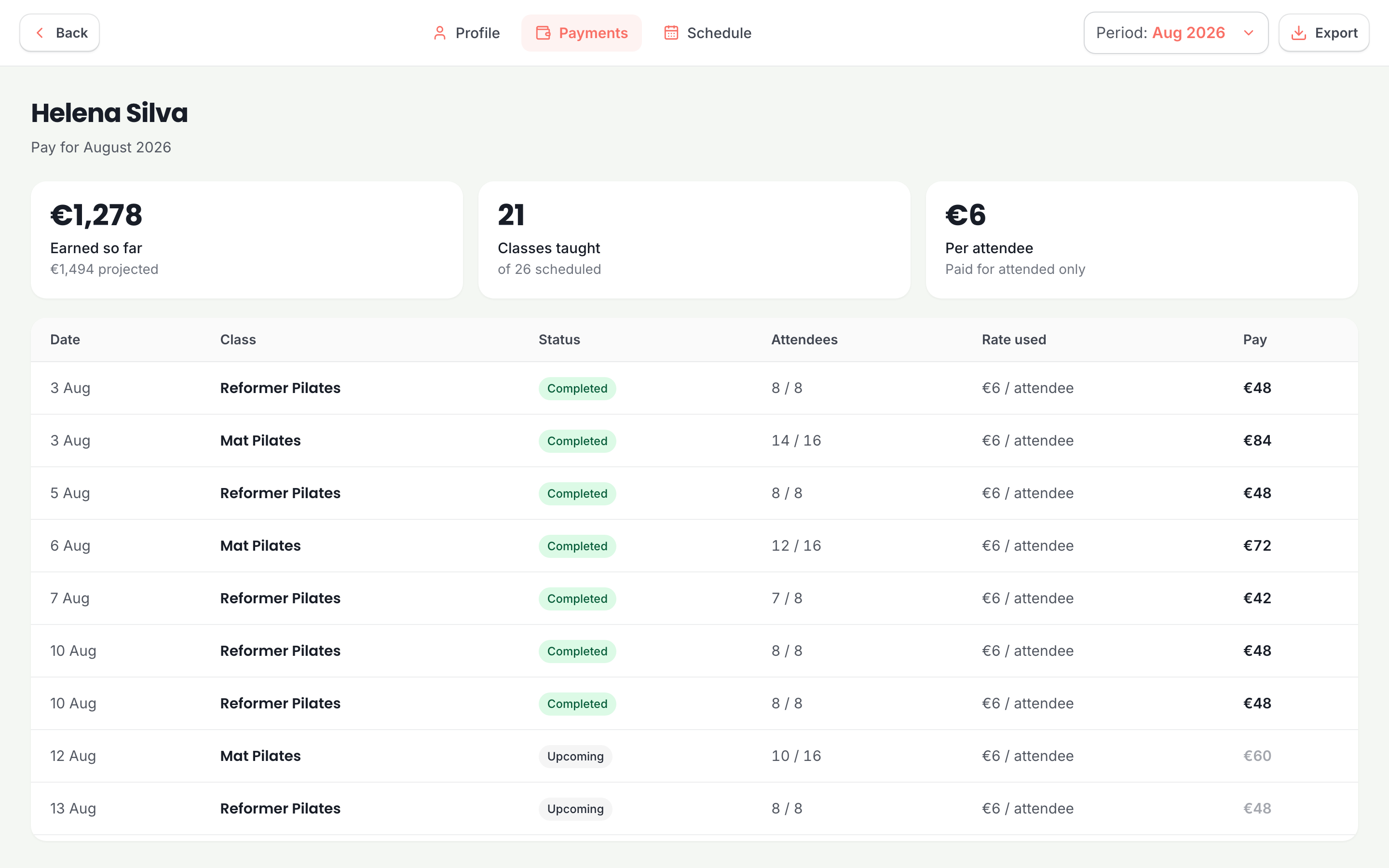
Clear pay history. A simple summary of what they earned for every class, every month.
Flexible pay rates for every instructor
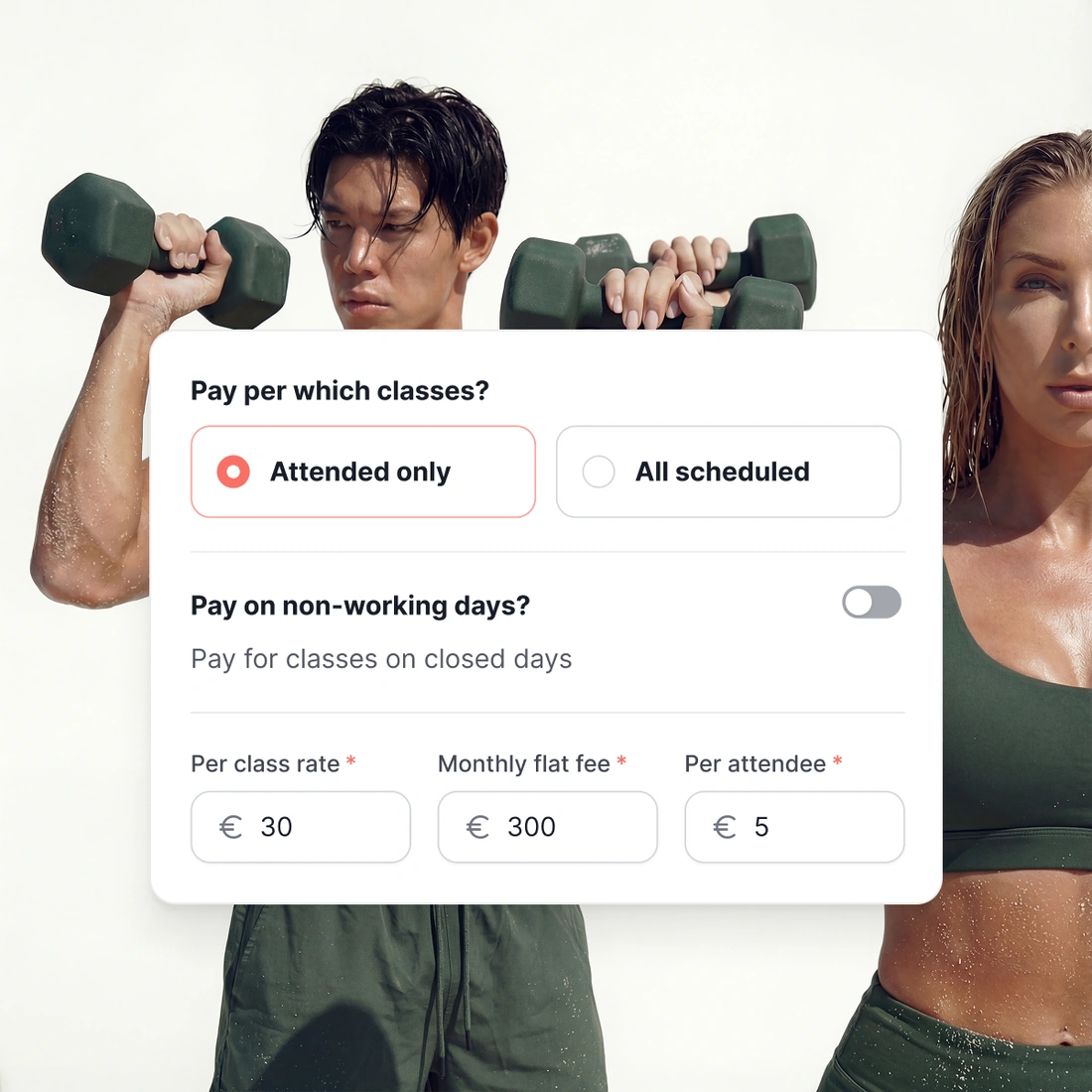
Set pay rates by flat monthly fee, per class, or per attendee. Rates carry start dates, so if an instructor gets a raise in March, past months stay untouched.
Three flexible pay models. Mix and match pay structures across different instructors, based on your agreements.
Flexible pay triggers. Choose whether to pay instructors on scheduled classes or actual attendance.
Accurate pay records. Every class logs the pay rate, headcount, and total payout for easy bookkeeping.
Easy class substitutions and cover
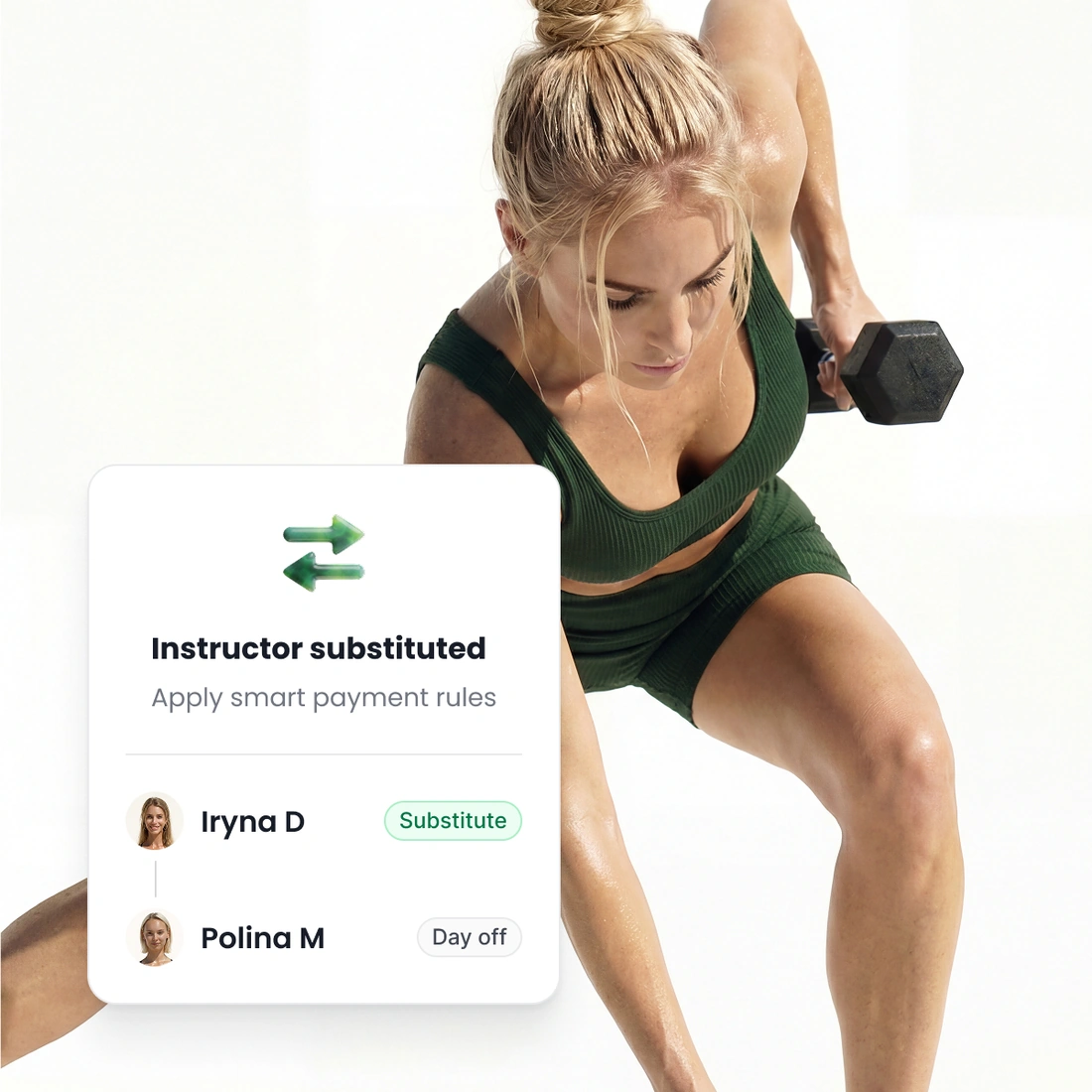
Assign a substitute instructor to a single class without disturbing your recurring weekly schedule. TimiTomi logs the change so everyone stays informed.
Single-class coverage. Swap the instructor for one date while keeping your regular schedule untouched.
Tracked time off. Record instructor days off and decide whether the leave is paid or unpaid.
Automatic pay recalculation. Class pay automatically goes to whoever actually taught the class.
Portal access
More instructor portal features
Easy email invite
Add an instructor with their email address, and they create their own sign-in. Owner, admin and instructor are separate roles, and an instructor sees the least.
Calendar integration
An instructor connects Google or Outlook once, and every class they teach appears in their own calendar. They never copy a class by hand.
Live attendee lists
An instructor opens a class they teach and sees who is booked into it. They cannot open anybody else’s classes, and they never see what a customer paid.


Pick a plan, and that is what you pay
What you pay depends on how many instructors teach at your studio, and on nothing else. It does not change when you sell more.
See what is in each plan
Solo
For one instructor running their own classes.

Studio
A team, a schedule, and room to grow.

Scale
Everything running at full volume.
Ready when you are
Build it this week. Pay when you open.
Set up your classes, your prices and your booking page for free. You pay only when you go live.
Set up your studio- Pay by the month, stop whenever
- 0% of what you sell









Questions about instructors
Keep reading
The rest of the product
Your booking page
Branded to you. Customers book
Drop-in classes
One class, paid once, no password
Class packs
Credits up front, on your terms
Memberships
Sell custom subscriptions
In-person payments
A card reader, or Tap to Pay
Class scheduling
Set the week once, change a date
Email and SMS
Reminders sent automatically